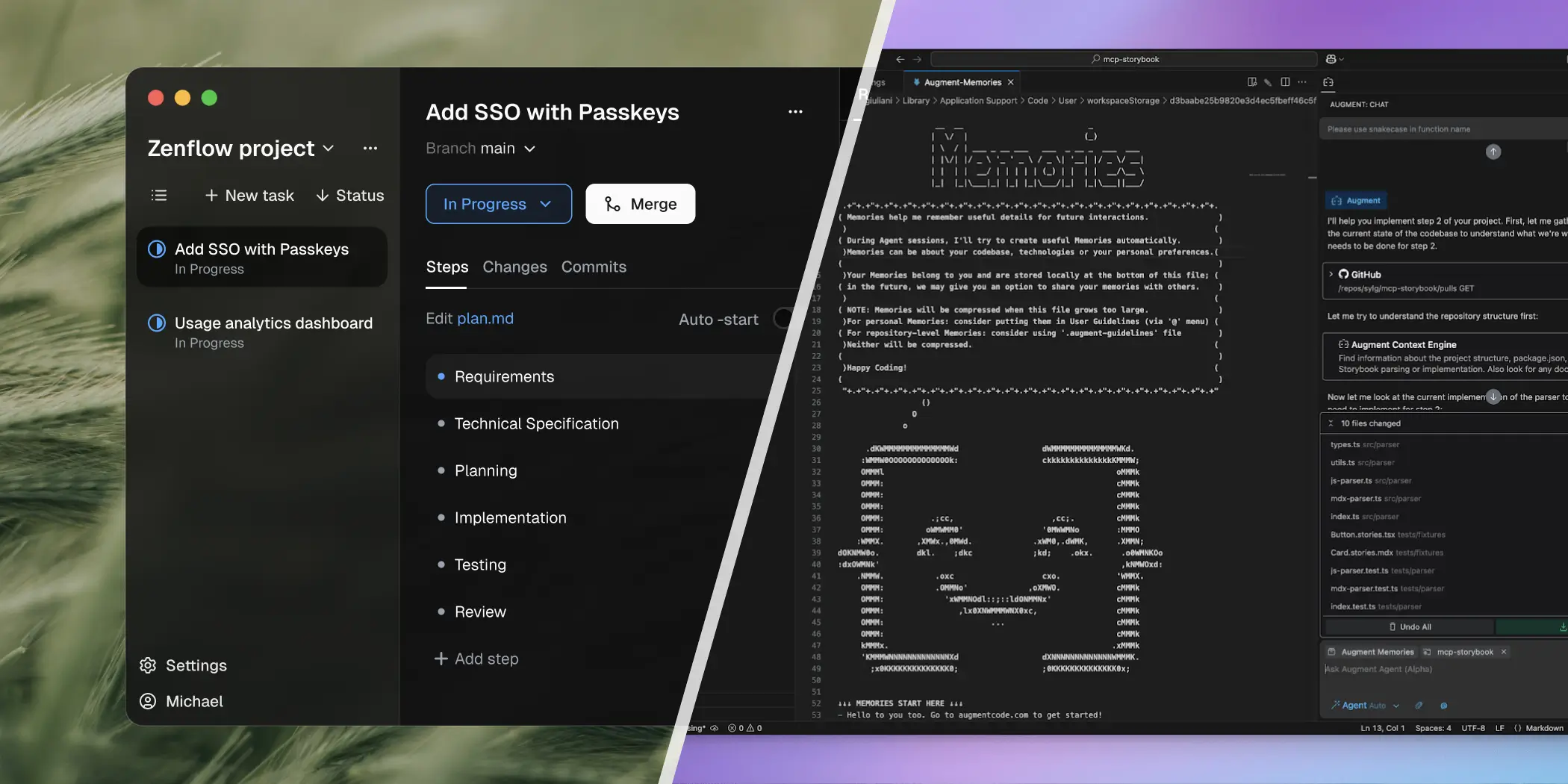
Augment Reads Your Codebase. Zenflow Rebuilds It.

Context windows are just the beginning. Zenflow adds the missing layer: multi-agent execution that turns "understanding" into "merged PRs."

Zenflow-Augment-Code
Microsoft Logo Priceline Logo Uber Logo Oracle Logo Lilly Logo Nvidia Logo Wrike Logo Salesforce Logo Talkdesk Logo Doordash Logo ATT Logo Atlassian Logo HP Logo Stanford Logo Chewy Logo Paypal Logo Servicenow Logo Disney Logo Zscaler Logo Vodacom Logo Automation Anywhere Logo Bonarea Logo

Skip the fork wars. Orchestrate Instead.

Build orchestration layer →Custom Workflows → Multiple agents with cross-verification → No platform dependency → Spec-driven engineering discipline

clipboard-list

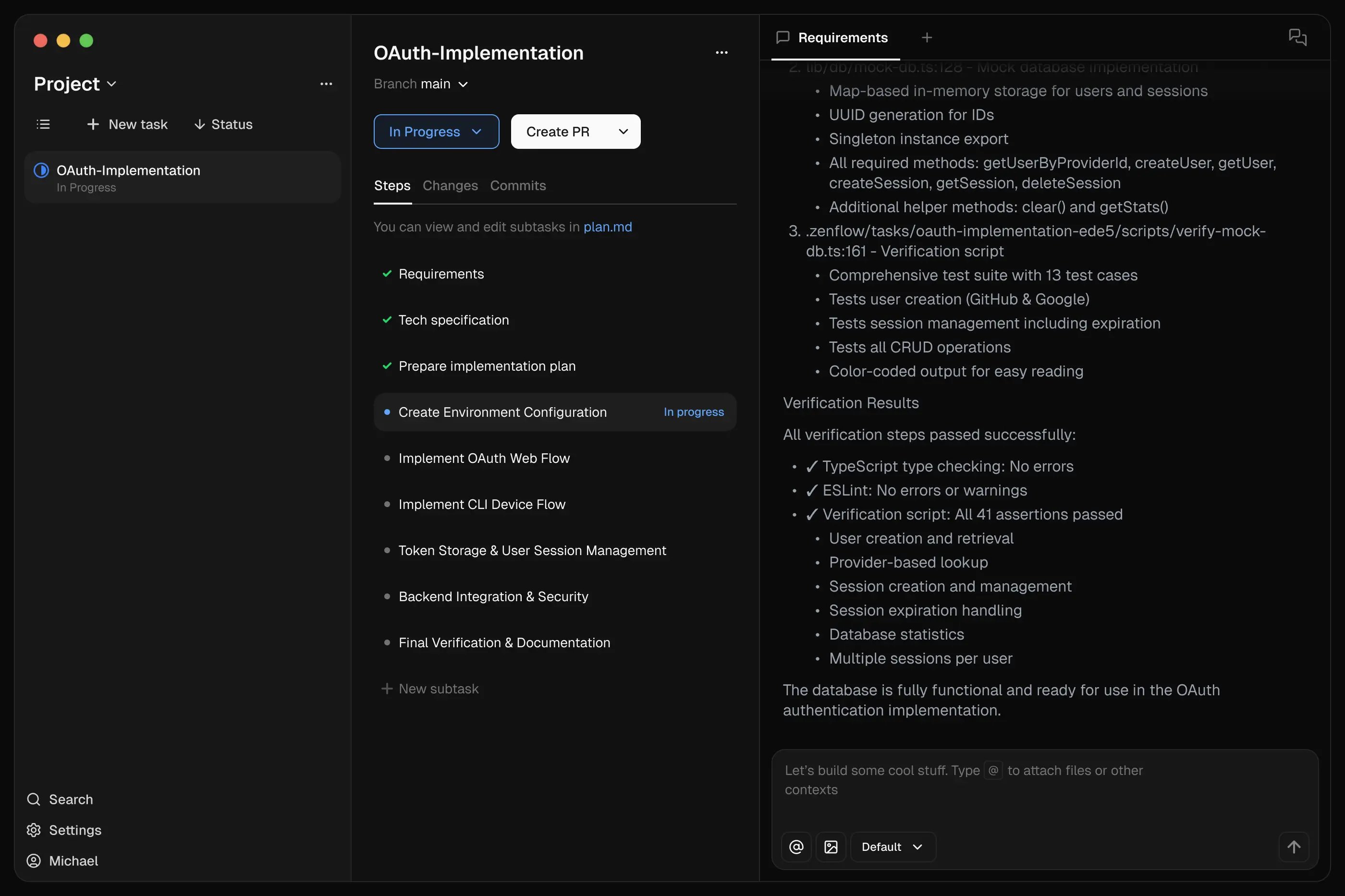
Spec-Driven Workflows

Agents reference a single source of truth—your PRDs, specs, or architecture docs. Planning, implementation, and validation stay aligned. No drift, no scope creep.

grid-square-circle-plus

Parallel Power

One agent works sequentially. A swarm works simultaneously. Track all agents working on different tasks within Kanban view.

clipboard-check

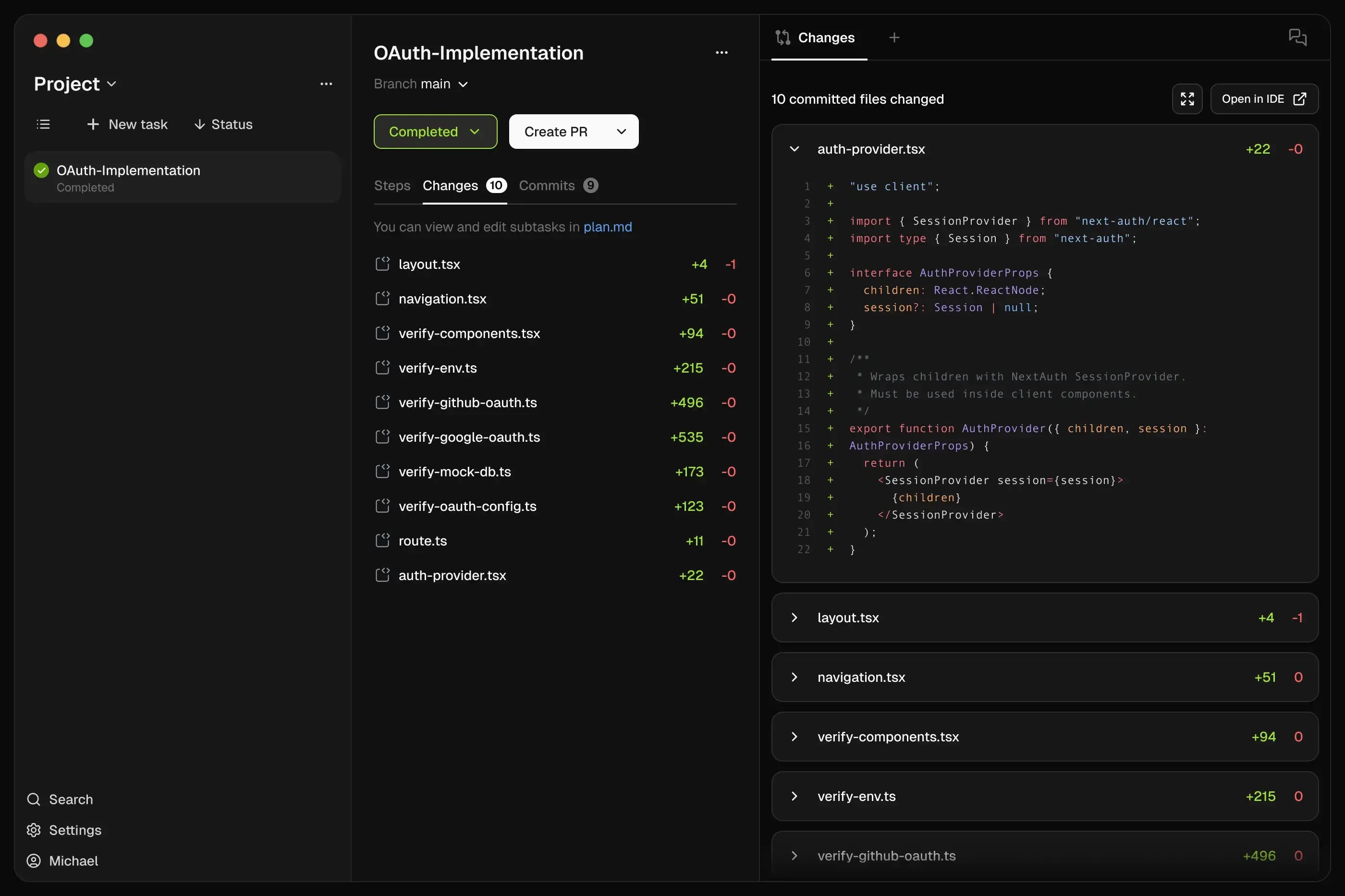
Built-in Verification

Every workflow includes automated testing, cross-agent review, and quality gates. AI output is validated before you see it. Verification isn't optional—it's structural.

Model Diversity

Use Claude Code to review Codex's work, Gemini to write tests. Any CLI agent or bring your own model.

Deploy faster

Zenflow: Not a fork. Not an editor. An orchestration layer.

Feature comparison betweenAugment code and Zenflow
Comparison Grid Augment code Zenflow
Workflows Unstructured chat Spec-driven development & dynamic workflows based on task
Execution Sequential task execution Parallel agent swarms
Verification Self-review only Committee-style verification
Multi-repo Understanding Limited to files and folders Understands entire codebase and dependencies across repos
Visibility Terminal output only Visual Kanban state tracking of Agents
Universal CLI Not Available Zenflow is free with Claude Code, Codex or Gemini subscriptions
Blast Mode Not Available Run 4+ agents on same task, pick the winner

How it works

Describe, Build, Ship

Zenflow Steps - 1-2 (1)
Zenflow Steps - 2-2
Zenflow Steps - 3-1
Zenflow Steps - 4 (4)
Create

Describe the Work

Tell Zenflow what to build. Pick a workflow—feature, bug fix, refactor, or Auto. Use built-in templates or create custom patterns.

IMPLEMENT

AI-Guided Development

Agents execute while you supervise or step away. Built-in verification runs automatically. Cross-agent review catches issues.

Ship

Automated Quality Gates

Tests, builds, and security checks complete before you review. Only verified, production-ready code reaches your queue.

Scale

Parallel Execution

Run multiple tasks simultaneously without conflicts. Each task gets isolated environment. Track everything through kanban view.

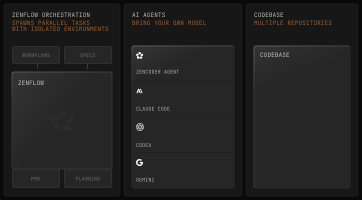
Meet orchestrated AI development

Run workflows where agents coordinate, verify each other's work, and deliver code you can trust—autopilot or with review.
zenflow-diagram-2

Features

Skip the fork wars. Orchestrate instead.

Windsurf and Cursor are fighting over VS Code territory. Zenflow is playing a different game entirely- multi-agent orchestration that works with any editor, verifies across models, and costs nothing.

Multi-Agent Orchestration

Coordinated swarm of specialized agents—coding, testing, refactoring, review, verification—working as one system with shared context.

Zenflow Steps - 4 (3)-1
workflow

Pre-Built + Custom Workflows

Battle-tested workflows for features, bugs, and refactors. Run on autopilot or with human review. Extend or build your own.

square-kanban

AI-First Project Management

Projects, tasks and kanban views show what every agent is doing. Complete visibility across your entire AI fleet.

folders

Multi-Repo Intelligence

Agents work across multiple repositories with full context. Understand service interactions, dependencies, and coordinate changes across your stack.

Frequently asked questions

Zenflow (by Zencoder) is an orchestration platform for AI-first engineering that replaces ad-hoc prompting with Spec-Driven Development workflows. It has agents draft/review specs, enforces RED/GREEN/VERIFY implementation loops, coordinates multiple AI agents in parallel, and bakes in automated verification so every change stays aligned with the approved spec. Teams use it to eliminate “prompt drift” and AI slop, keep multi-agent work debuggable, and ship complex features 4–10× faster with predictable quality.
Zenflow allows for seamless parallelization of agents across your project without any conflicts. Agents work in independent environments that doesn't affect main codebase. That allows you to run tens or hundreds of agents meaning tens or hundreds of new feature or bug fixes being implemented simultaneously.
You are in full control - review agent's work yourself or with another AI agent and steer it in the right direction during or after each step; opt out to fully autonomous working agent by automatically starting next tasks; or define your own custom workflows.
Zenflow is a standalone app, however you can open each agent's sandbox in your favourite IDE and continue the work there.
A typical flow looks like this:
  1. You define a spec or goal in Zenflow
  2. Zenflow analyzes the task, plans the work, and assigns it to the right agents
  3. Zencoder agents research the codebase, implement changes, write tests, and review results
  4. Zenflow verifies outcomes and coordinates retries or refinements
The result: disciplined, spec-driven engineering—not prompt roulette.

Think of Zenflow as the brain and Zencoder as the engine.

  • Zenflow (the brain) decides what needs to be done, in what order, and how to verify it.
  • Zencoder (the engine) does the actual work—understanding the codebase, writing code, running tests, fixing issues, and shipping changes.
On their own, each is powerful. Together, they operate like a real engineering system.