McKinsey’s 2026 State of AI survey found that 89% of organizations regularly use AI in at least one business function. At the same time, Microsoft’s 2025 Work Trend Index found that 46% of leaders said their organizations were already using agents to fully automate workstreams or business processes.
As more businesses look to automate complex and repetitive work, no-code AI agent builders are becoming an increasingly practical option. These platforms let you create AI agents that can understand instructions, make decisions, work with business data and applications, and complete tasks, all without requiring extensive coding or AI development expertise.
In this article, we will explore seven of the best no-code AI agent builders so you can find the right fit for your business.

How We Selected These No-Code AI Agent Builders
Evaluating a no-code AI agent builder requires more than comparing the number of integrations or checking for a drag-and-drop interface. A strong platform also needs to support agentic execution, enabling agents to reason through multi-step tasks and take action, while providing human-in-the-loop controls when oversight is needed.
We evaluated more than 20 no-code AI agent builders and identified the seven strongest options. To do this, we used the following weighted scoring system:
- Agent capabilities (30%): We assessed whether agents can plan and execute multi-step work, use tools, make context-dependent decisions, respond to new information, and operate with an appropriate level of autonomy.
- No-code building experience (25%): We evaluated how easily users can create, configure, test, and modify agents through visual builders, natural-language instructions, templates, and other no-code interfaces.
- Integrations and tool use (20%): We compared native integrations, API and MCP connectivity, triggers, knowledge-source connections, and agents' ability to retrieve information and take actions across external applications.
- Control and reliability (15%): We looked for human-in-the-loop approvals, testing and evaluation features, permissions, monitoring, and other controls that help teams manage agent behavior after deployment.
- Deployment flexibility (10%): We assessed the ways agents can be launched and used, including scheduled and event-based execution, web interfaces, workplace applications, APIs, and organization-wide workflows.
7 Best No-Code AI Agent Builders to Try
Here is a quick overview of the seven best no-code AI agent builders:
|
Tool |
Best for |
Not ideal for |
|
Development teams seeking goal-based AI agents that autonomously plan and execute multi-step workflows across business tools |
Teams that only need simple trigger-and-action automations |
|
|
Stack AI |
Enterprises that need AI agents with strong security, governance, RAG, and human-in-the-loop controls |
Smaller teams looking for a lightweight platform with straightforward self-service pricing |
|
Lindy |
Teams that want AI teammates for email, research, meetings, reporting, and other repetitive business tasks |
Teams that need advanced enterprise AI infrastructure, governance, or highly customized agent architectures |
|
Relevance AI |
Businesses building and scaling specialized AI agents across sales, marketing, support, HR, and operations |
Individuals and smaller teams looking for simple, low-cost AI automation with transparent entry-level pricing |
|
Gumloop |
Teams that need multi-agent workflows that combine AI reasoning, reusable skills, integrations, testing, and optimization |
Users who only need basic single-step automations without agent orchestration or evaluation capabilities |
|
Pickaxe |
Small businesses deploying custom AI agents with business knowledge across websites, messaging apps, and other channels |
Enterprises that need extensive governance and centralized control for large-scale agent deployments |
|
Zapier |
Teams seeking AI agents that automate work across a large ecosystem of business applications |
Teams that need highly specialized agent infrastructure or deep control over complex multi-agent systems |
1. Zencoder
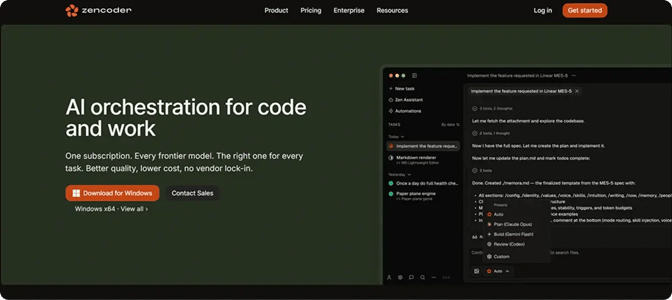
Zencoder is an AI automation platform that provides agent-based solutions for both software development and business workflows. Its Zenflow Work module is a no-code AI agent platform designed to automate work across engineering, marketing, sales, operations, finance, HR, and other teams.
Rather than relying solely on predefined rules or responding to individual prompts, Zenflow agents can understand a goal, determine the steps to achieve it, work across connected applications, monitor progress, and keep acting until the objective is complete.
Key Features:
- Goal-based agent execution – You can define the outcome you want an agent to achieve instead of manually specifying every step. The agent plans the required actions, monitors progress and new information, and continues working across tools until the defined goal is reached.
- Pre-built workflow templates – Zencoder provides ready-to-use templates for common workflows across engineering, sales, marketing, operations, finance, and other teams. You can start with templates for lead research, standup briefs, executive dashboards, customer request routing, and follow-ups, then customize the goal and connected tools.
- Cross-tool integrations – Zenflow agents can connect with applications such as Gmail, Google Calendar, Jira, Linear, GitHub, HubSpot, Notion, and Slack. They can retrieve information, update records, send messages, create content, and coordinate actions across multiple tools within the same workflow.
- Automatic work intake – Zenflow agents can automatically pick up new work from tools such as Linear, Jira, and GitHub. When a new ticket or task appears, an agent can start working on it without requiring you to manually launch the workflow each time.
- Custom agent creation – Zencoder lets you create specialized AI agents with their own instructions, commands, tools, and access settings. You can tailor each agent to a specific recurring task, control which capabilities it can use, and choose whether it is available just to you or across your organization.
- MCP connectivity – Zenflow Work can connect agents with compatible external applications and services through MCP. Remote OAuth connections give agents access to additional tools and data sources, including services such as Amplitude, Sentry, and Datadog.
- Built-in file handling – Zenflow agents can work directly with PDF, DOCX, XLSX, and PPTX files. They can preview and edit these files while also gathering information or taking actions in other connected applications.
Pricing
Zencoder offers a Pro plan (from $45/month), a Pro Plus plan (from $95/month), and a Pro Max plan (from $195/month). It also includes an Enterprise plan with custom pricing.

2. Stack AI
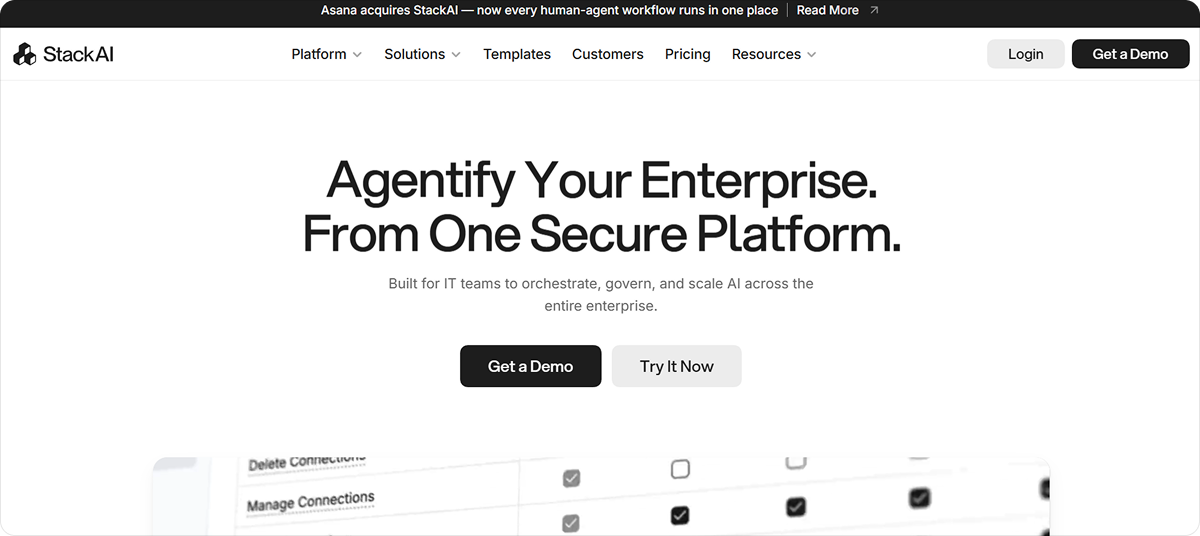
Stack AI is a no-code enterprise platform for building, deploying, and managing AI agents that automate workflows across existing business systems. It offers 100+ integrations, human-in-the-loop controls, flexible LLM support, and enterprise-grade security and governance for deploying AI in regulated, complex organizations.
Key Features:
- Visual workflow builder – Allows you to create AI agents by connecting models, data sources, tools, and logic through a drag-and-drop interface
- Pre-built templates – Provides ready-made agent workflows that you can customize for common business processes and use cases
- Built-in RAG – Connects your agents to documents and knowledge sources so they can retrieve relevant information when generating responses
- Agent tools and actions – Allows you to equip agents with tools for searching external sources, scheduling tasks, and taking actions without writing custom function-calling code
Pricing
Stack AI offers a Free plan and an Enterprise plan with custom pricing.
3. Lindy
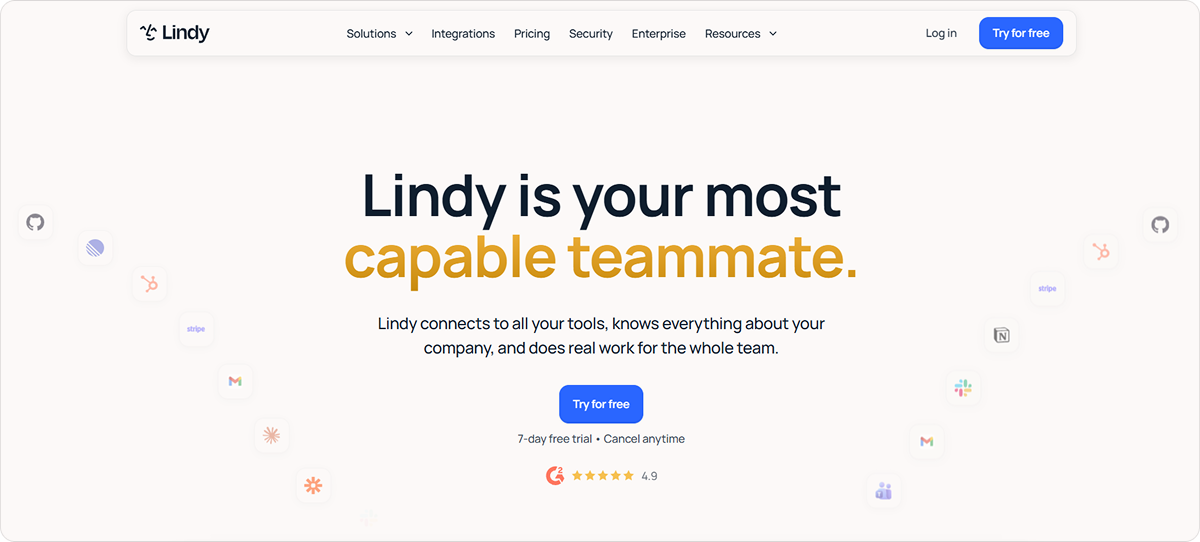
Lindy is a no-code AI agent platform that lets you build AI teammates to handle tasks such as research, reporting, email management, meeting follow-ups, and other repetitive work. It connects with more than 1,000 business tools and can carry out multi-step workflows across apps on demand or on a schedule.
Key Features:
- Visual workflow builder – Lets you create multi-step AI agents by arranging triggers, actions, conditions, and agent steps in a visual flow editor instead of writing code
- Natural-language conditions – Allows you to create branching logic with plain-English instructions such as “if this email needs a response,” so agents can make context-aware decisions without hard-coded rules
- Flexible triggers – Supports automatic agent activation based on schedules, incoming emails, Slack messages, calendar events, webhooks, chats, and other events, with filters to control when they run
- Human-in-the-loop controls – Keeps people involved by requiring approval before sensitive actions, routing uncertain cases to a person, or having agents prepare drafts for review before anything is executed
Pricing
Lindy offers three paid plans starting at $29.99 and an Enterprise plan with custom pricing.
4. Relevance AI
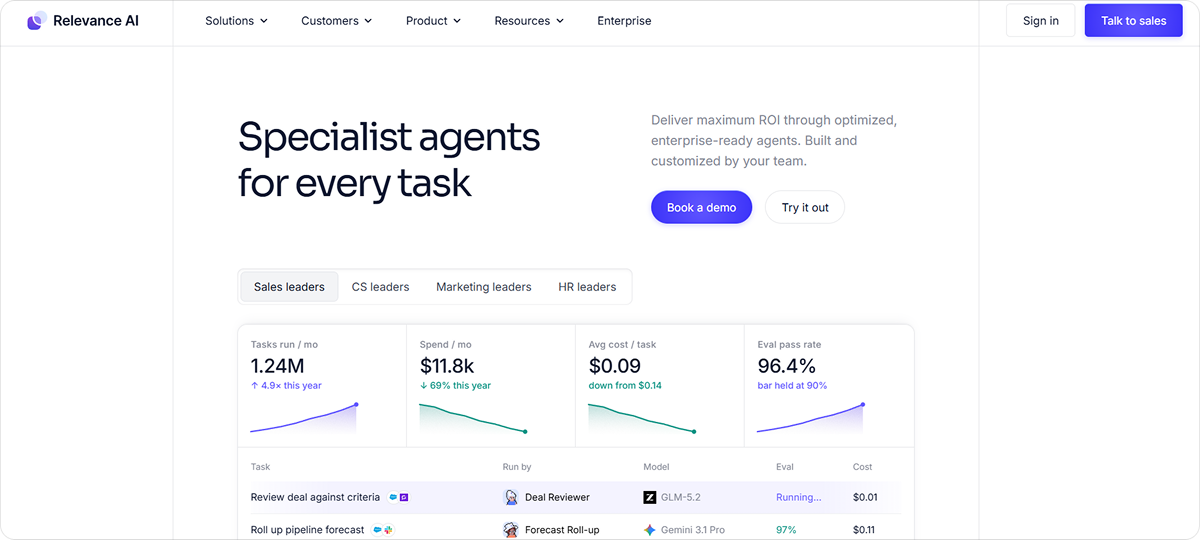
Relevance AI is a no-code platform for building and managing specialized AI agents that automate business tasks across sales, marketing, customer service, HR, operations, and other teams. It brings AI agent infrastructure into one platform, helping businesses deploy and scale AI agents without building the underlying systems themselves.
Key Features:
- AI-powered agent creation – Turns a plain-language description of what you need into a working agent, automatically setting up its prompt and suggesting the right tools
- Visual tool builder – Enables you to create reusable agent actions by chaining LLM prompts, integrations, API calls, and other steps together without coding
- Flexible triggers – Starts agents automatically from schedules, emails, Slack messages, CRM updates, webhooks, and other events, with support for multiple triggers on one agent
- Custom knowledge sources – Connects agents to PDFs, spreadsheets, websites, databases, and third-party data so they can use your business information when completing tasks
Pricing
Relevance AI offers only an Enterprise plan with custom pricing.
5. Gumloop
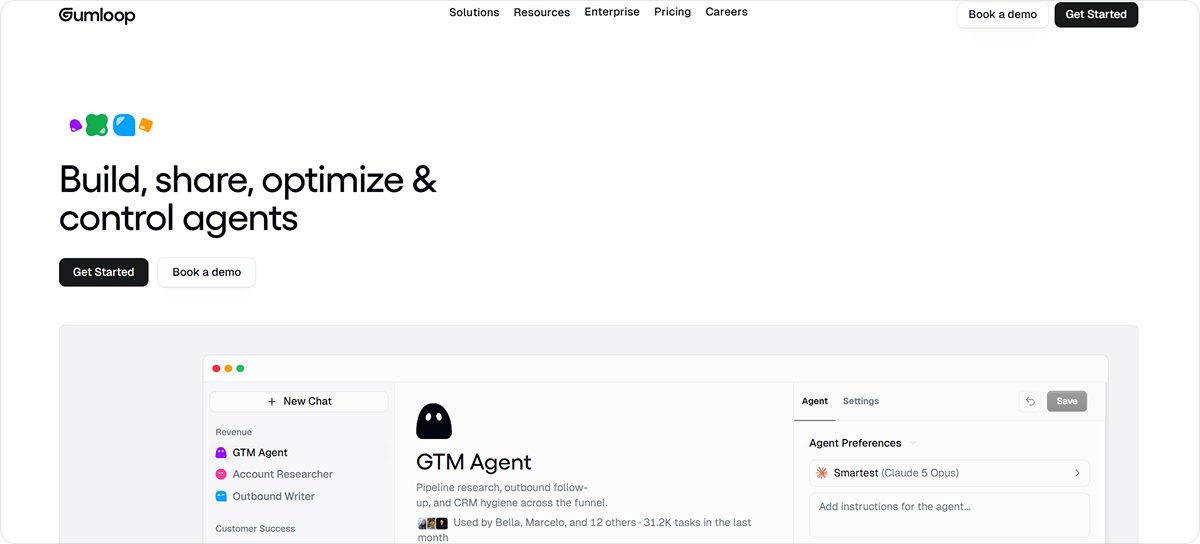
Gumloop is a no-code AI automation platform that enables teams to build, deploy, and manage AI agents that handle multi-step business tasks. It connects agents with company data and business applications so they can automate work across departments like sales, marketing, support, and data analysis.
Key Features:
- Plain-language triggers – Creates event-based or scheduled triggers from simple instructions, including conditions that span multiple connected apps
- Reusable skills – Gives agents task-specific instructions, resources, and executable scripts they can use and improve as they work
- Multi-agent workflows – Provides a visual canvas for coordinating multiple agents and combining AI reasoning with deterministic workflows
- Built-in testing and optimization – Includes evaluations to measure agent quality, identify regressions, and improve performance before and after deployment
Pricing
Gumloop offers a Pro plan starting at $37 per month and an Enterprise plan with custom pricing.
6. Pickaxe
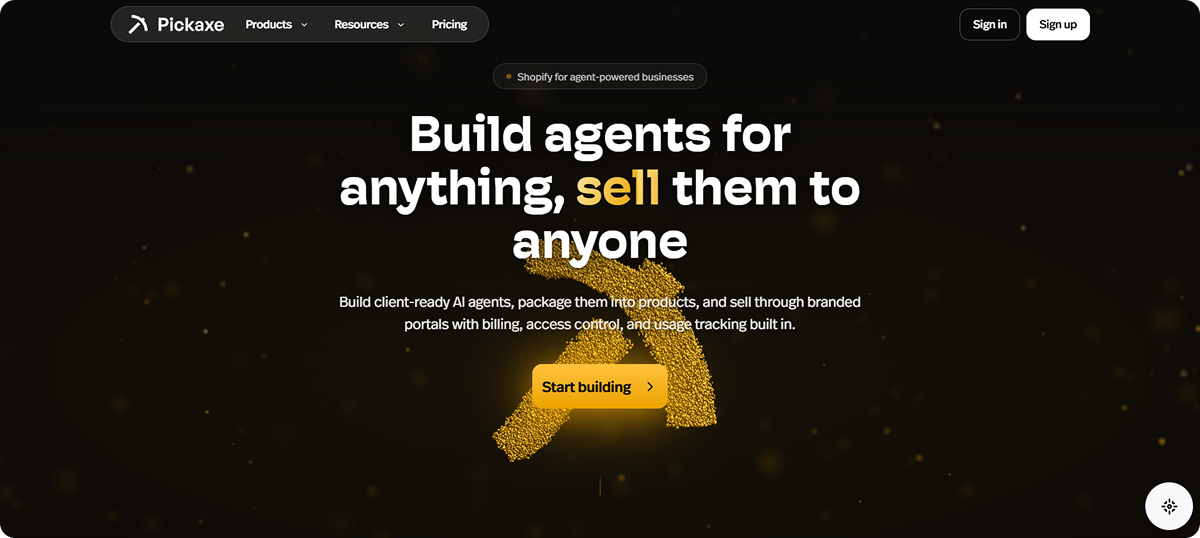
Pickaxe is a no-code AI agent builder that helps you create custom AI agents for tasks such as customer support, lead generation, content creation, coaching, and internal business workflows. It combines agent building with integrations that connect your AI to external tools, services, databases, and APIs.
Key Features:
- AI-assisted agent setup – Builds, configures, and tests an agent for you based on a plain-language description of what you want it to do, then helps you refine it
- Auto-updating knowledge base – Keeps agents grounded in your own websites, PDFs, Google Drive files, Notion pages, and other sources, with connected content automatically synced as it changes
- Multi-model control – Gives you access to 50+ AI models and makes it easy to switch between them based on quality, speed, and cost
- Flexible deployment – Publishes the same agent through website embeds, direct links, email, Slack, WhatsApp, APIs, and other channels without rebuilding it for each one
Pricing
Pickaxe offers three paid plans starting at $37 per month.
7. Zapier
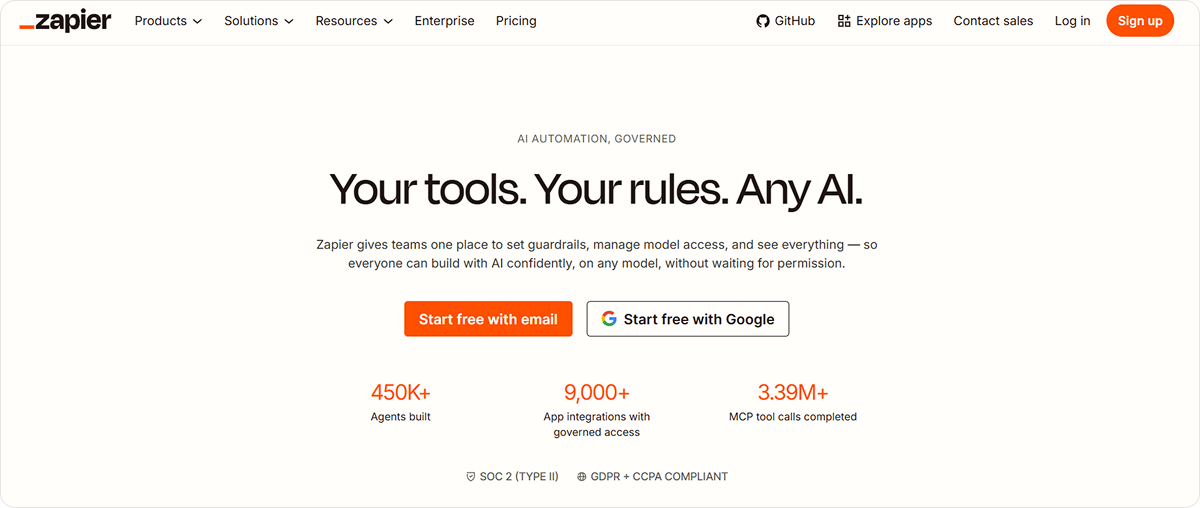
Zapier is a no-code automation platform that lets you build AI agents and workflows that take action across thousands of business applications. It brings AI, app integrations, and automation tools into one platform, making it easier for teams to automate multi-step work with minimal technical setup.
Key Features:
- Natural-language setup – Turns plain-English instructions into an agent, with Zapier Copilot helping you add actions, make changes, and troubleshoot issues
- Custom knowledge sources – Grounds agents in your own PDFs, DOCX files, spreadsheets, and connected app data, with sources automatically synced
- Flexible triggers – Starts agents automatically when defined events occur, so they can handle tasks independently instead of waiting for a manual prompt
- Ready-made agent templates – Provides prebuilt agents for tasks such as lead research, customer support, candidate ranking, sales emails, and content creation that you can customize for your needs
Pricing
Zapier offers a Free plan, two paid plans starting at $29.99 per month, and an Enterprise plan with custom pricing.
How to Choose the Best No-Code AI Agent Builder
The right no-code AI agent builder depends on what you want your agents to do, which applications and data they need to access, and how much control you need over their actions.
If you mainly want to build agents through visual workflows, platforms such as Stack AI, Lindy, and Gumloop are worth considering. They provide flexible tools for connecting triggers, actions, AI models, and business applications. Relevance AI and Pickaxe are strong options when you want to quickly create specialized agents with custom knowledge, while Zapier is particularly useful if broad app connectivity and event-based automation are priorities.
However, if you need agents that can take ownership of broader business workflows rather than just execute a predefined sequence of steps, Zencoder's Zenflow Work is the best choice. With Zenflow Work, you can:
- Give agents an outcome to achieve and let them determine the necessary steps, respond to new information, and continue working until the goal is complete.
- Automate work across your existing business tools by connecting agents with Gmail, Slack, Jira, Linear, GitHub, HubSpot, Notion, Google Calendar, and other applications.
- Create specialized agents for recurring work with custom instructions, commands, tools, permissions, and access settings tailored to specific tasks.
- Work with business files directly inside agent workflows, including PDF, DOCX, XLSX, and PPTX files, while agents gather information and take actions across other connected systems.
Try Zencoder today and build AI agents that can manage multi-step work across your business tools with minimal manual coordination.

FAQ:
1. What are no-code AI agent builders?
No-code AI agent builders are platforms that let you create AI agents using visual interfaces, natural-language instructions, templates, and pre-built integrations instead of writing extensive code. These agents can perform tasks, make decisions, access information, and take actions across connected applications.
2. What is the difference between an AI agent and traditional automation?
Traditional automation generally follows predefined rules and sequences, while an AI agent can interpret context and determine what actions to take based on its goal. This makes AI agents better suited to workflows where the required steps can change depending on new information.
3. Do you need coding skills to build an AI agent?
No. No-code AI agent builders are designed for non-technical users, allowing them to create and configure agents without programming. Some platforms also offer APIs, custom code, and advanced configuration options for more technical users.
4. What can you use no-code AI agents for?
Businesses can use no-code AI agents for tasks such as lead research, customer support, email management, reporting, data analysis, employee onboarding, document processing, and project coordination.
5. Which AI agents are best for small businesses?
The best AI agents for small businesses automate time-consuming workflows such as customer support, lead qualification, sales follow-ups, email management, scheduling, research, and reporting. Look for agents that integrate with the business tools you already use and can handle multi-step tasks with minimal input.